Your AI copilot, live on the calls you can’t redo.
They ask something you weren’t ready for. inneedai is already listening, on your own computer, and an answer is on your screen in under a second. It comes from your own résumé, thesis or deck, not from the open internet. Turn on stealth mode and it stays out of your screen share.
- OpenAI
- Anthropic
- Google Gemini
- Groq
Answers are generated by frontier models called on your behalf. We benchmark and route each session to the optimal engine, continuously upgraded as better models ship.
Product names and logos are trademarks of their respective owners. Nominative use does not imply affiliation or endorsement.
What is inneedai?
inneedai is a real-time AI interview copilot: a Windows desktop app that transcribes the other side of a live call on your own machine and, on a hotkey, puts an answer grounded in your own résumé and notes on screen in under a second. The same copilot runs viva examinations, sales calls and client meetings, grounded in the documents you upload for each.
An optional stealth mode marks the overlay as protected content at the operating-system level, so a screen share does not contain it. It ships switched off and is the one setting you have to turn on yourself — see what the other side sees for exactly what that covers, and what it cannot.
- Who it is for
- Job interviews, viva examinations, sales calls and client meetings.
- What it hears
- Your computer's audio output — the other side of the call. Your microphone is never opened.
- How fast
- An answer on screen in under a second, from a hotkey.
- What it runs on
- Windows 10 and 11, 64-bit. A macOS build is in development.
It changes with the room.
An interview, a viva, a sales call and a client meeting each need something different — a different tone, different evidence, a different shape of answer. You pick the session type, and both the framing and the material it draws on change with it.
Job interviews
The question you hoped they would skip, answered in your own words and your own history — not a generic script.
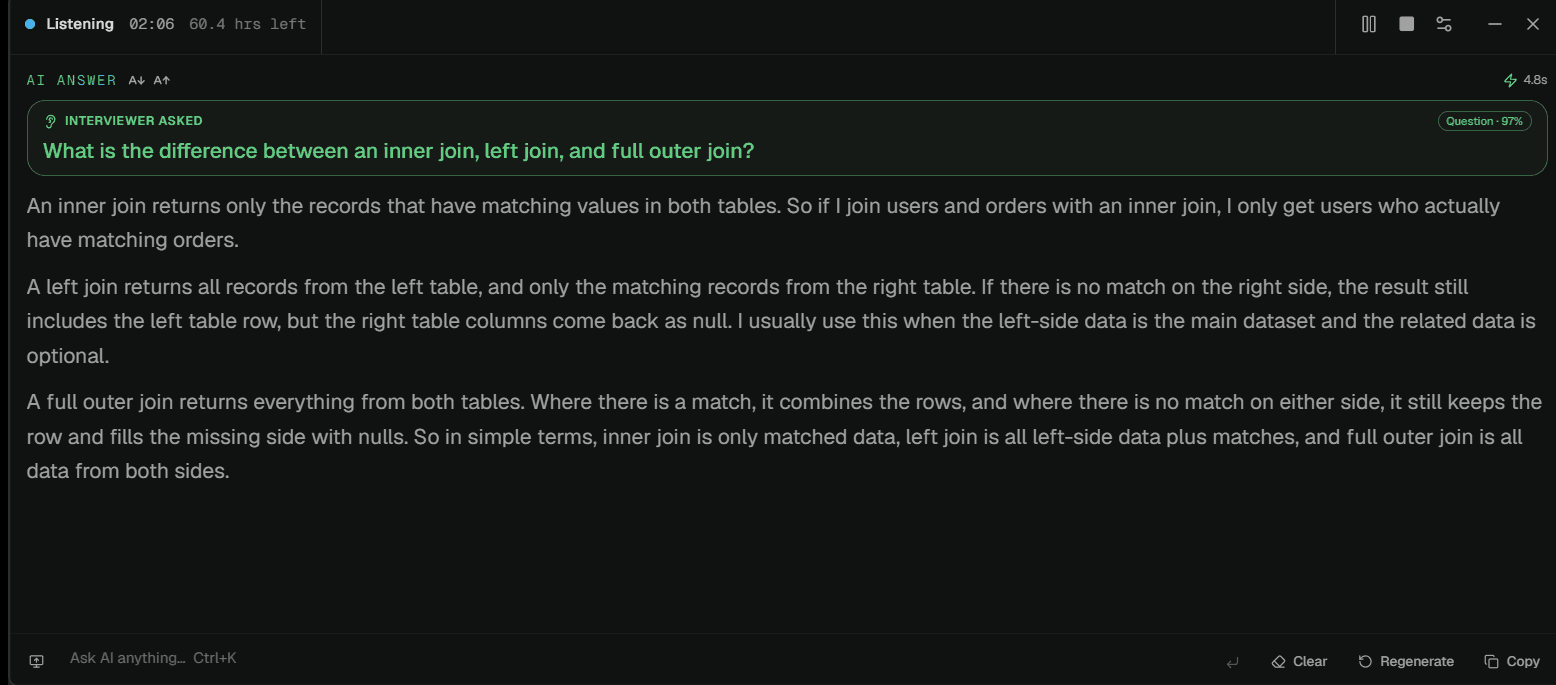
“Can you walk me through a difficult technical trade-off you owned and how you explained it to leadership?”
When decoupling our monolith's billing engine, I chose an event-driven ledger over dual-write locks. I presented a trade-off matrix to leadership showing that eventual consistency avoided distributed deadlocks, achieving 99.995% transaction reliability.
- 01
Upload your material
Drop in the document that grounds your session — a résumé, a thesis, a deck, a brief. We parse the detail automatically, so there are no forms to fill in.
- 02
Add the context
The role, the topic, the agenda or the deal. Everything we generate is tailored to what this specific conversation demands.
- 03
We listen, live
On the day, the desktop app transcribes the conversation in the background. Silent, on-device, nothing on screen.
- 04
Answers on demand
It answers the questions it recognises on its own, and the hotkey covers the rest — grounded in your own material, in under a second.
It doesn't have to be in English.
The app works out which language is being spoken and keeps up when a call moves between two of them mid-sentence. There is no setting to change and nothing to pick before you start. Eighteen languages today.
Listens passively and locks on to language without prior manual toggles.
Seamlessly tracks bilingual dialogue when speakers alternate mid-thought.
Identical streaming speed guarantee maintained across all eighteen languages.
Language support comes directly from the streaming speech-to-text model the desktop app runs on, and grows automatically as that model expands.
What it's actually like.
How candidate recall, thesis defence citations, and live sales pricing play out under real call pressure.
“The system-design round is the one I always lost. Having my own notes surface the moment the question landed meant I was arguing from something I'd actually written, not improvising.”
“My defence ran ninety minutes and half of it was on a chapter I wrote two years ago. Being able to see which section an answer came from was the part that mattered.”
“I stopped guessing on pricing questions. It pulls the number off our own deck, so I'm not promising a discount I'd have to walk back later.”
“During our quarterly review, a client probed on specific SLA terms from a brief signed six months prior. The exact clause and page citation were on my screen in under a second.”
“Live algorithmic screening rounds used to trigger major recall freeze. With inneedai listening quietly on-device, that pressure was gone. Secured offers from both target firms.”
“Enterprise prospects throw unexpected security and compliance queries constantly. Having answers cited directly from our uploaded SOC 2 reports kept our enterprise deal closing on time.”
“The system-design round is the one I always lost. Having my own notes surface the moment the question landed meant I was arguing from something I'd actually written, not improvising.”
“My defence ran ninety minutes and half of it was on a chapter I wrote two years ago. Being able to see which section an answer came from was the part that mattered.”
“I stopped guessing on pricing questions. It pulls the number off our own deck, so I'm not promising a discount I'd have to walk back later.”
“During our quarterly review, a client probed on specific SLA terms from a brief signed six months prior. The exact clause and page citation were on my screen in under a second.”
“Live algorithmic screening rounds used to trigger major recall freeze. With inneedai listening quietly on-device, that pressure was gone. Secured offers from both target firms.”
“Enterprise prospects throw unexpected security and compliance queries constantly. Having answers cited directly from our uploaded SOC 2 reports kept our enterprise deal closing on time.”
Feedback from live sessions across interviews, vivas, and enterprise calls
Plans that fit the search.
Free
Free tierTry inneedai on live calls, free.
15 mins/month · Basic models
- Real-time answers on hotkey
- Grounded in your own material
- The desktop app, included
No credit card required
Pro
Most popularFor an active job search.
6 hrs transcription · 1,000 AI credits
- Frontier AI models included
- Grounded in your own material
- Screen capture and document search
- Priority answer latency
- Unlimited résumés and roles
Cancel any time
Power
Power userFor back-to-back rounds and live deals.
40 hrs/month fair use · 5,000 AI credits
- Frontier AI models included
- Everything in Pro
- Priority support
Cancel any time
The things people ask first.
Is this only for job interviews?
No. inneedai runs four kinds of session — job interviews, viva examinations, sales calls and client meetings — and each one is grounded in different material. An interview answers from your résumé and the role you pasted in; a viva answers from your own thesis and says which part it drew on; a sales call answers from your deck and pricing; a client meeting answers from the brief you uploaded. The framing changes with the session type, so a viva answer argues and a sales answer sells.
What does it actually listen to?
Your computer's audio output — the other side of the call. Your microphone is never opened, so what you say is not transcribed and not sent anywhere.
Will the other side know I'm using it?
Nothing joins the call, so there is no bot in the attendee list and no participant to notice. What they can see is your screen, if you share it. An optional stealth mode marks the overlay as protected content at the operating-system level so a screen share does not contain it — but it ships switched off, and turning it on is your decision.
What the other side seesDo I need a Mac?
The desktop app runs on Windows 10 and 11, 64-bit. A macOS build is in development and the download button for it is disabled until it ships — we would rather show you it is coming than let you download something that does not exist.
Which AI models write the answers?
Frontier models from OpenAI, Anthropic, Google and Groq. Which one runs your session depends on your plan — we choose and tune the pairing rather than asking you to, and we move as better models ship.
What languages does it understand?
Eighteen, and it works out which one is being spoken on its own — there is no language setting. It also keeps up when a call switches between two of them mid-sentence, which is the case that usually breaks live transcription.
- English, Spanish, French, German, Italian, Portuguese, Arabic, Danish, Dutch, Finnish, Hebrew, Hindi, Japanese, Mandarin, Norwegian, Swedish, Turkish and Vietnamese.
Run it live, on your desktop.
The desktop app listens on-device and puts a grounded answer on your screen in under a second — silent, and with stealth mode switched on, absent from anything you share.
Windows 10 & 11 · 64-bit